

Workflow Automation for Small Business: A Practical Guide to Planning Your First Project
Learn how to identify, scope, and implement your first workflow automation project. This guide covers practical steps for mapping processes, choosing tools, and measuring success without overcomplicating the build.
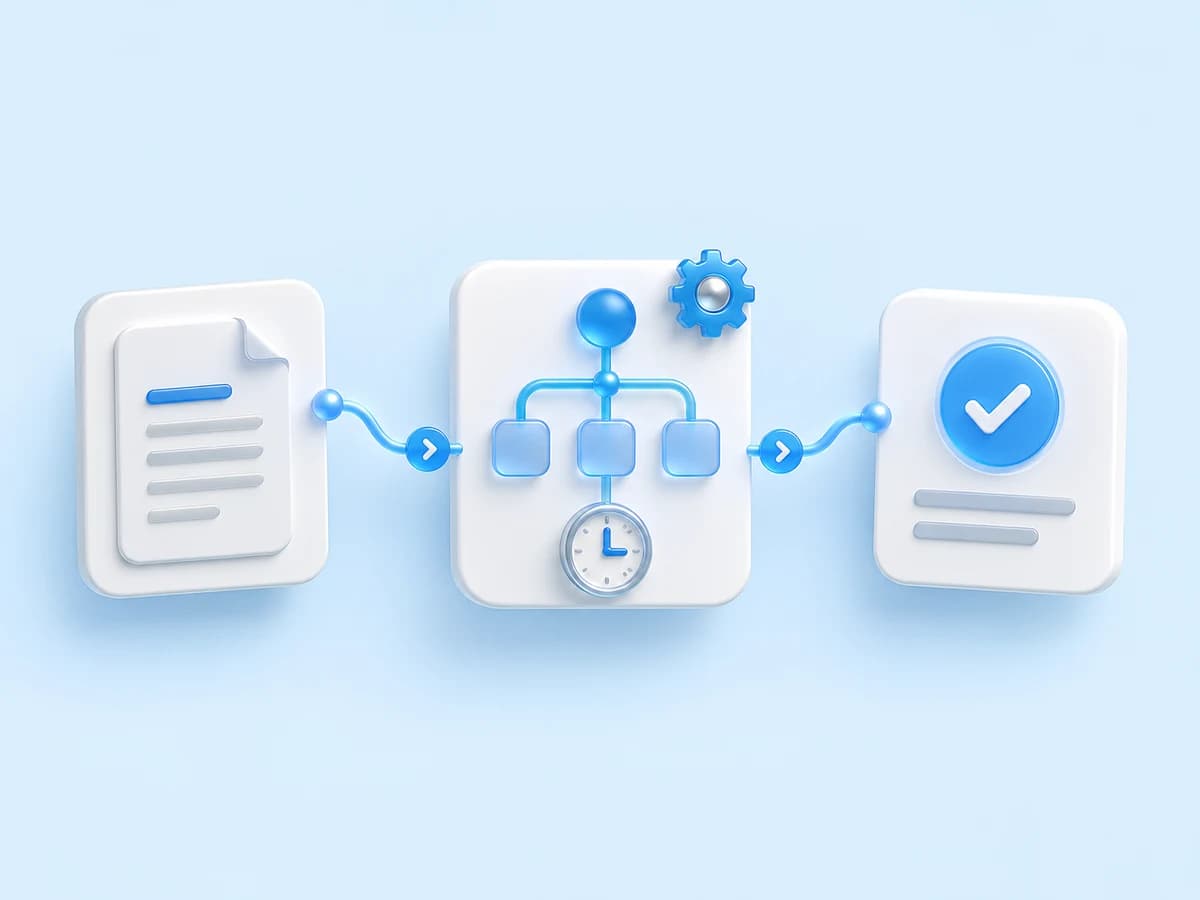
Many small businesses reach a point where manual data entry, repetitive notifications, and disconnected software tools consume valuable time. Workflow automation offers a way to streamline these tasks, but the initial step often feels overwhelming. Where do you start? How do you choose what to automate? This guide provides a structured approach for planning your first automation project, helping you move from a vague idea to a clear, actionable roadmap that delivers tangible time savings for your team.
Identify High-Impact, Low-Complexity Tasks
The first step is not to look for the most complex process to automate, but to find the task that causes the most friction with the simplest solution. Look for repetitive, rule-based activities. Examples include sending a welcome email after a form submission, creating a task in a project management tool when a deal is marked as 'won', or generating a daily summary report from sales data.
Avoid automating processes that are themselves broken or inconsistent. If your team changes the rules for a task every week, automating it will create more work than it saves. Start by shadowing your team for a few days to identify where they spend time on copy-pasting data or chasing status updates. These are your best candidates for initial automation.
Map the Current State and Define Triggers
Before touching any software, document the manual process step-by-step. This map should include the trigger (what starts the process), the actions performed, and the final outcome. For example, the trigger might be 'new invoice uploaded', the action is 'extract data and email client', and the outcome is 'invoice sent and logged in accounting software'.
Clearly define the data involved. What information moves from one system to another? Are there any conditional steps? For instance, if an order is over a certain value, does it require manager approval? Understanding these nuances now prevents costly rework later. A simple flowchart is often sufficient for this stage; you do not need enterprise-grade documentation for a first project.
Choose the Right Tooling and Integration Path
Small businesses often have a mix of cloud-based tools. The key is to ensure these tools can talk to each other. Most modern SaaS platforms offer APIs or webhooks, which allow data to be sent automatically. If your core systems do not support direct integration, you may need an intermediate automation platform that acts as a bridge between them.
Consider the tradeoffs between building a custom script using a developer and using a no-code/low-code platform. Custom scripts offer total flexibility and lower ongoing costs if you have technical staff, but they require maintenance. No-code platforms are faster to deploy and easier to maintain by non-technical staff, but they may have usage limits or less granular control. For a first project, a managed platform is often the safer, faster route.
Plan for Error Handling and Notifications
Automation fails when data is missing or a connection drops. A robust plan must include error handling. What happens if the automation cannot find the required email address? It should not crash silently; it should alert a human. Set up a 'dead letter' queue or a specific Slack channel where failed attempts are logged for review.
Decide on the escalation path. If a critical automation fails, who is notified? Ensure that critical business processes have a manual fallback. The goal is to reduce human intervention, not to eliminate the ability to intervene when things go wrong. Testing these failure scenarios is just as important as testing the happy path.
Measure Success and Iterate
Define what success looks like before you launch. Is it saving two hours per week? Reducing data entry errors by 50%? Establish a baseline for the manual process first. After the automation is live, track the time saved and the accuracy of the output. Without this data, it is difficult to justify further investment in automation.
Treat your first project as a pilot. It is unlikely to be perfect. Collect feedback from the users who rely on the automated process. Did it make their job easier, or did it introduce new bottlenecks? Use this feedback to refine the workflow. Success in automation is iterative; the first version is just the beginning of a continuous improvement cycle.
Key takeaways
- Start with simple, rule-based tasks that are currently painful but easy to map.
- Document the manual process and data flow before writing any code or configuring tools.
- Prioritize error handling and clear notifications to avoid silent failures.
- Establish a baseline metric for time or error rates to measure the impact of automation.
- Choose tools based on your team's technical capacity and long-term maintenance needs.
Words by Parkers Admin
Back to the journal