

Planning Tool Integrations: A Practical Guide to Scope, Requirements, and Roadmap
Learn how to define clear requirements, scope the technical effort, and build a phased implementation roadmap for connecting your business systems, avoiding common pitfalls in the process.
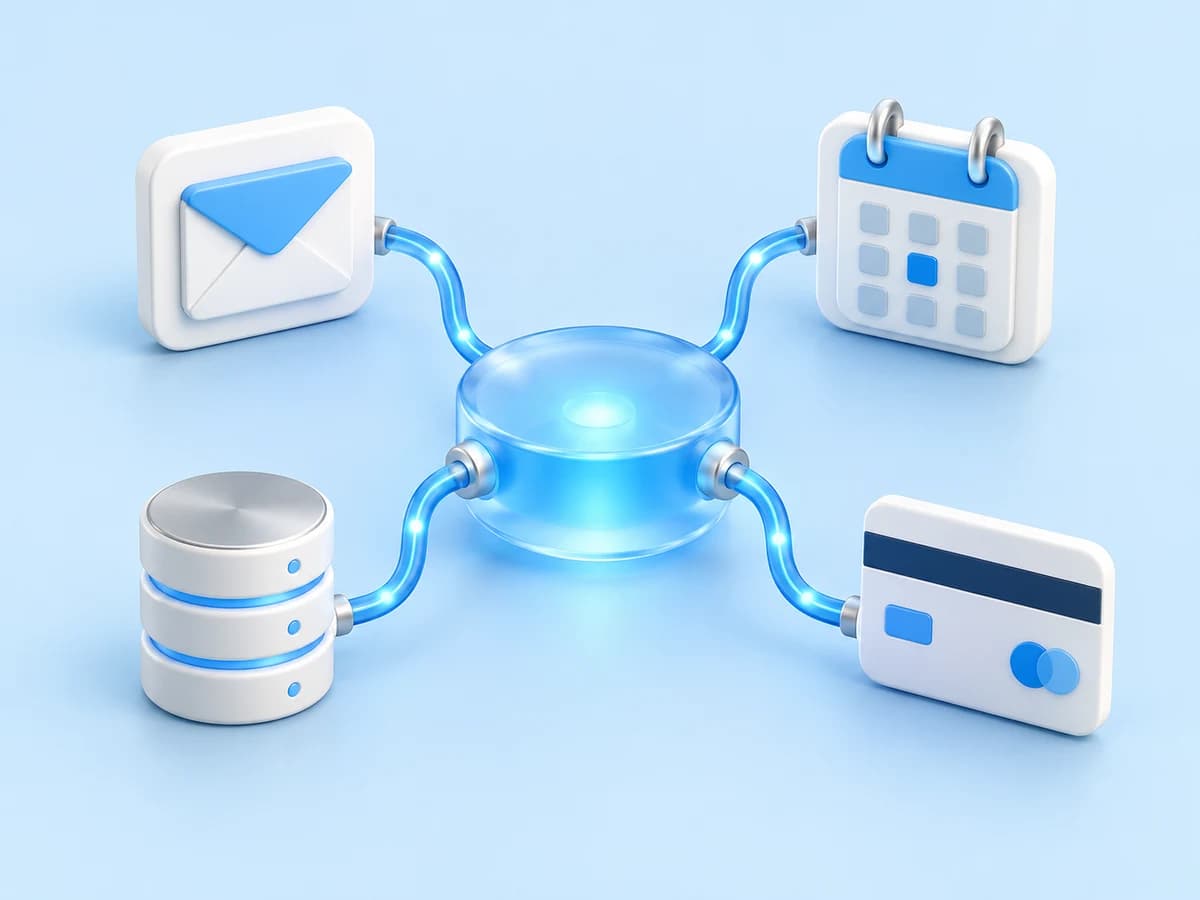
Many businesses accumulate a patchwork of software tools over time. While each application may serve a specific function in isolation, the lack of connectivity between them creates friction. Data entry is duplicated, errors slip through the cracks, and teams lose valuable hours manually copying information from one platform to another. Planning a tool integration project requires more than just selecting a connector; it demands a disciplined approach to requirements gathering, scope definition, and phased implementation. This guide outlines a practical framework for structuring your integration project to ensure it delivers genuine operational efficiency rather than just technical complexity.
Audit Your Current Ecosystem and Data Flows
Before discussing APIs or middleware, you must understand the current state of your operations. Begin by mapping out every software tool your team uses on a daily basis, from Customer Relationship Management systems to accounting packages and project management boards. Identify the specific data points that move between these tools. For example, does a new lead in your CRM need to automatically create a task in your project management software? Does a completed job in your field service app need to trigger an invoice in your accounting system?
Document the manual steps currently involved in these transitions. Note where errors are most common and where staff report feeling most frustrated. This audit serves as the baseline for your project. It helps you distinguish between critical data flows that justify immediate integration and those that may be low-priority or better handled by simple manual processes. Understanding the volume of data and the frequency of these interactions is also crucial, as high-volume, real-time requirements demand different technical solutions than low-volume, batch processing needs.
Define Functional and Technical Requirements
Once you have identified the critical data flows, translate them into clear functional requirements. Avoid vague statements like 'connect the CRM to the website.' Instead, specify the exact behaviour required: 'When a contact is created in the CRM, their details should be pushed to the marketing automation platform within five minutes, and a confirmation email should be sent.' These specific statements help developers understand the success criteria and allow for accurate estimation of effort.
Technical requirements must also be defined at this stage. Check the documentation for each tool to confirm they offer open Application Programming Interfaces (APIs) and understand the limitations of those APIs. Some platforms restrict the number of requests per minute or only support one-way data transfer. You will also need to decide on the integration architecture. Will you use a direct point-to-point connection, which is simpler for two systems but difficult to scale, or a central middleware hub that can manage multiple connections? Determining the data format, such as JSON or XML, and the authentication methods required for each system is essential for the development phase.
Scope the Project and Identify Dependencies
A common pitfall in integration projects is underestimating the scope by focusing solely on the happy path. You must plan for error handling and edge cases. What happens if the connection drops? If the data received is malformed? The scope should include the development of robust logging mechanisms so that issues can be diagnosed quickly. It should also cover the user interface changes required to display the integrated data clearly to your end users.
Identify all dependencies that could delay the project. This includes vendor support tickets, which can take days or weeks to resolve, and internal dependencies such as the need for staff training on the new automated workflows. Consider the security implications as well. Integrating tools often involves sharing sensitive data, so you must ensure that data transmission is encrypted and that user permissions are properly managed across systems. Defining these dependencies early allows you to build a more realistic timeline and allocate resources effectively.
Build a Phased Implementation Roadmap
Attempting to integrate all systems simultaneously is rarely successful. A phased approach allows you to deliver value quickly and learn from early stages before committing to larger, more complex connections. Start with a pilot integration involving two critical systems and a single, well-defined data flow. This pilot serves as a proof of concept, validating your technical approach and providing a template for future phases.
After the pilot is live and stable, expand the scope to include additional data fields or bidirectional sync. Only once the pilot is proven should you move to the next pair of systems. This iterative roadmap reduces risk. If a problem arises in the first phase, the impact is contained. It also allows your team to adapt to the new automated processes gradually. Each phase should have clear exit criteria, such as zero critical errors over a two-week period, before moving on to the next stage of the roadmap.
Test Rigorously and Plan for Maintenance
Testing is not just about ensuring the data moves; it is about ensuring it moves correctly. Develop a comprehensive test plan that includes unit tests for individual API calls, integration tests for the full data flow, and end-to-end tests that simulate real-world usage. Test for edge cases, such as special characters in names or unusually large data payloads. Involve your end users in user acceptance testing to ensure the integrated data is presented in a way that is useful and easy to understand.
Integration is not a one-off task; it is an ongoing responsibility. Vendor software updates can break API endpoints or change data structures. You must plan for ongoing monitoring and maintenance. Set up alerts that notify your technical team or service provider when an integration fails or when data syncs are delayed. Establish a process for regular health checks and keep up to date with vendor release notes to anticipate breaking changes. This proactive maintenance strategy ensures that your integrated systems continue to provide value over the long term.
Key takeaways
- Start with a detailed audit of current data flows to identify high-value integration opportunities and avoid over-engineering low-priority connections.
- Define specific functional requirements that include error handling and edge cases, not just the standard success path, to ensure robust system behaviour.
- Adopt a phased implementation roadmap, beginning with a small pilot integration to validate your technical approach and reduce risk before scaling.
- Plan for ongoing maintenance and monitoring from day one, as vendor updates can break integrations and require prompt attention to maintain data integrity.
Words by Parkers Admin
Back to the journal